
Rotating a Render Is Not Rotating a Camera
Why moving the viewpoint on a single image is two different problems, and why the hard one is about pixels nobody ever saw.
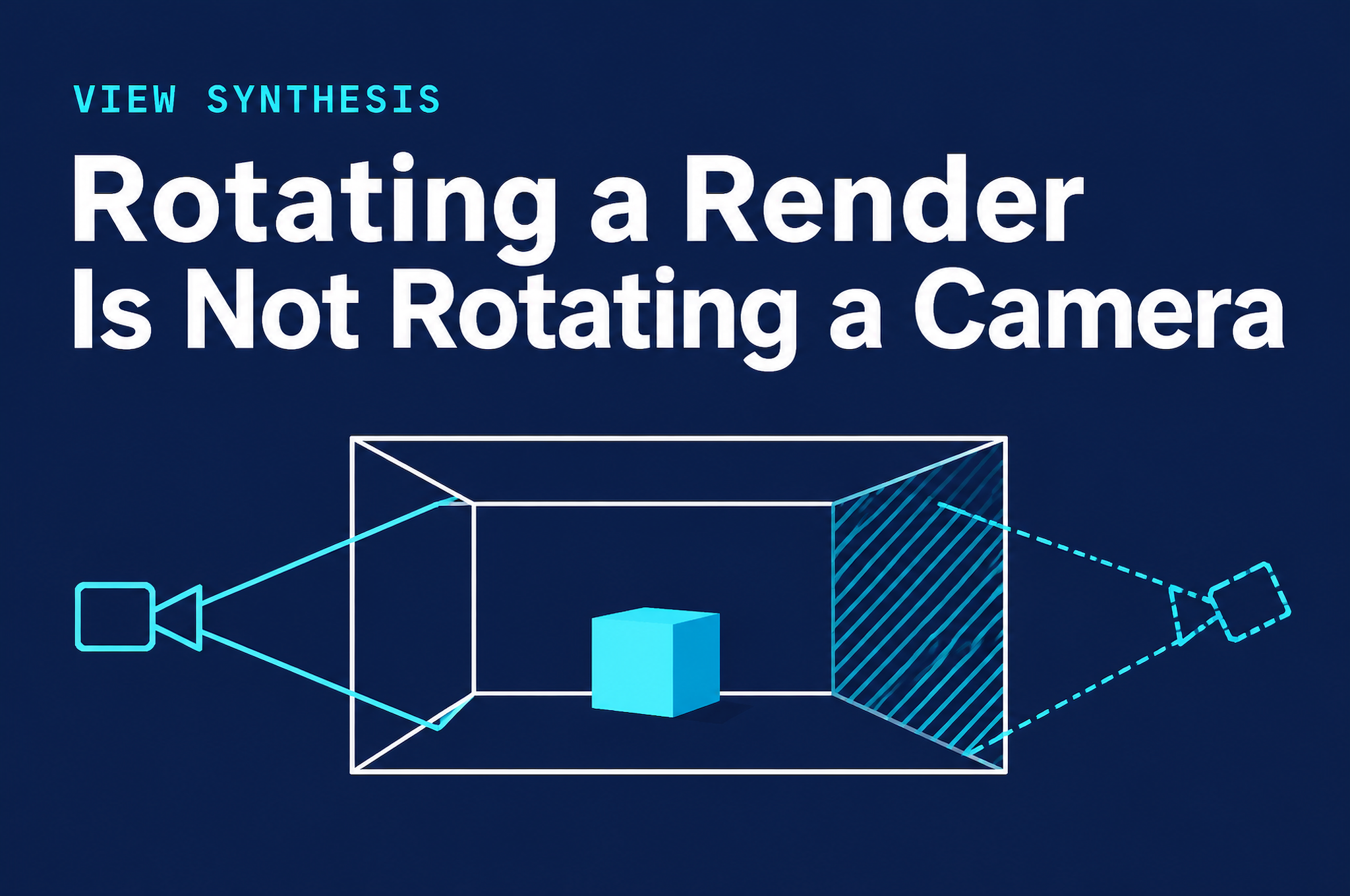
There is a feature that looks trivial in a demo: you take a rendered living room, drag a slider, and the room turns thirty degrees. Nobody who sees it thinks "inverse problem." They think "of course, it's a 3D room."
It is not a 3D room. It is one picture of one. Everything interesting about this feature, and everything that can go wrong with it, follows from that single fact.
I work on spatial reasoning models at ArchyBase, and I want to write down how I think about changing the viewpoint of a single image, because the failure modes are predictable once you split the problem in two.
Two problems that look like one
The controls on a tool like the AI perspective changer are simple: horizontal rotation, vertical tilt, zoom. You adjust them, preview the new angle, and generate. Under the hood, those sliders can mean very different things depending on what the camera is doing.
Case 1: pure rotation about the camera centre. If the camera stays where it is and only turns (a pan or a tilt), then two images of the same scene are related by a homography. You do not need to know anything about depth. Every pixel in the new view corresponds to a pixel in the old one, up to the image boundary. This is solved, boring geometry.
Case 2: the camera moves. The moment the viewpoint translates, as in an orbit around the room or a move to a corner, parallax appears. Near things shift more than far things. To predict the new image you need depth, and a single image does not contain depth. It contains cues for it: perspective, occlusion, texture gradients, the size of familiar objects. Estimating depth from those cues is a learned, imperfect guess.
Most useful viewpoint changes are Case 2. A bird's-eye view of a living room is not a rotation. It is a long move upward and backward.
The pixels nobody saw
Even if the depth estimate were perfect, Case 2 has a deeper problem. When the camera moves, it can see things the original camera could not: the other side of the sofa, the wall behind the open door, the floor under the coffee table. This is called disocclusion, and it means part of the new image has no source pixels at all.
There are only two things a system can do with that region. It can leave a hole, which no one will accept in a presentation image. Or it can generate content, which means inventing it, plausibly, consistently with everything it can see.
That second option is where the honest conversation about these tools lives. A generated back of a sofa is fine. A generated door that was not there is a different kind of mistake, and from inside the image the two are indistinguishable.
You can think of the risk as proportional to how much of the new view was never observed:
# Illustrative only: not production code.
def view_change_risk(source_frustum, target_frustum):
    """Fraction of the target view that the source image never covered."""
    overlap = intersect(source_frustum, target_frustum)
    return 1.0 - overlap.area / target_frustum.area
A small rotation has a risk near zero. A move to a corner has a lot of fresh territory. A bird's-eye view of a room photographed at eye level is mostly invention. The sliders do not display this number, but it is the number that decides whether the output can be trusted.
What has to stay put
Generating new content is only acceptable if the existing content does not move. So the second half of the problem is consistency with the source:
- Geometry: walls, openings and the layout of the room should survive the change of viewpoint. If a window drifts, the picture is no longer of that room.
- Appearance: materials, colours and lighting should match across views, so that two angles of the same render read as one place.
- Scale: a sofa should not grow because the camera got closer than it should have.
These constraints are why I am sceptical of naive evaluation. A sharp, realistic image can score well on perceptual metrics and still be wrong in exactly the ways that matter to the person using it. The honest checks are structural: do the walls and openings in the new view correspond to the old one, and does a human looking at both agree it is the same room?
Several views from one source
There is another trap that only shows up when you ask for more than one angle. If each view is generated independently, you get several plausible rooms that are not quite the same room. A lamp that is on the left in one view is on the right in another; a door has a different width. This is the same family of problem my colleague Sora has written about for multi-view consistency in elevations, and the lesson carries over: independent generation does not give you consistency. You have to anchor the views to something shared.
How I would use it, and how I wouldn't
I think this is a good presentation tool and a bad record-keeping tool.
- Good for: showing a client the same render from a more flattering or more informative angle; exploring how a room might feel from a corner; making one image into a set for a proposal.
- Not good for: documenting what a space actually looks like; resolving questions about what is physically behind a wall; anything where an invented detail could cost someone money.
A few practical habits help:
- Keep moves small when accuracy matters. The less new territory, the less invention.
- Compare against the source. Check that walls, windows and doors correspond. If something has appeared, treat it as invented.
- Label the output as a render. It is a visualization, not evidence.
What I do not know
I want to be clear about the limits of this post. I have described the structure of the problem, not the internals of any particular product. Where a given system draws the line between geometry and generation, how it handles reflective surfaces, thin structures and glass, and how far it can rotate before the invented fraction dominates, are all things you should test on your own images rather than take from me.
If you do test it, the single most informative experiment is cheap: pick a render with a feature that is easy to verify, like a window with a distinctive mullion pattern, push the angle further and further, and watch for the first frame where something changes that should not. That frame tells you more about the tool than any demo.
About the author
- AI/ML engineer at ArchyBase, working on spatial reasoning and generative floor plan models. I write about the technical side of generative design — architecture, trade-offs, and what doesn't work yet.
Comments
Join the discussionNo comments yet. Be the first to comment.