
When a Floor Plan Starts Moving, Scale Is a Camera Problem
Animating a layout into a few seconds of video looks like rendering. The hard part is keeping the camera honest about distance.
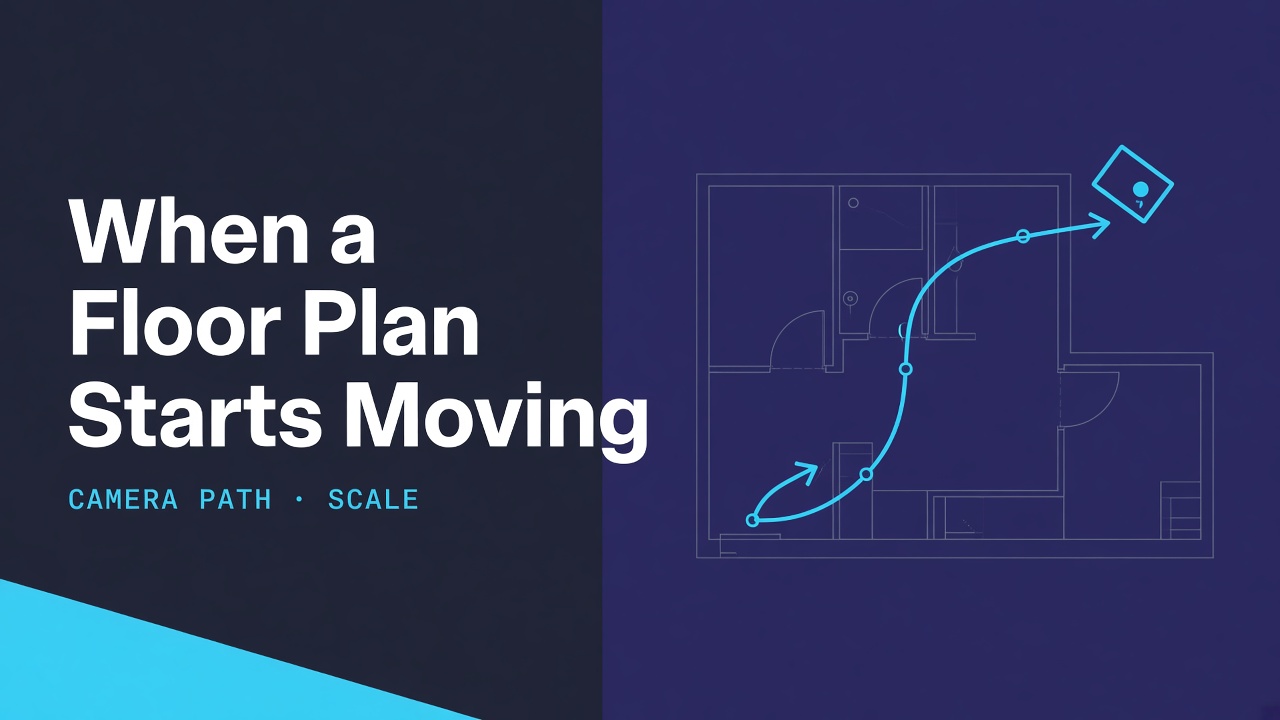
There is a quiet shift happening on listing pages and renovation decks: the floor plan no longer sits still. A short clip pans, reveals, or "flies" across the same drawing you used to annotate with a red pen. FloorAI, another product our team builds, ships a floor plan video tool that turns a plan (optionally paired with a rendered interior) into a 4–, 6–, or 8–second clip at 16:9 or 9:16.
I do not work on that product. I work on spatial reasoning models at ArchyBase. I am writing this because moving a camera over a measured drawing is a different engineering problem from generating the drawing, and marketing pages rarely name the failure mode that matters: scale drift along the path.
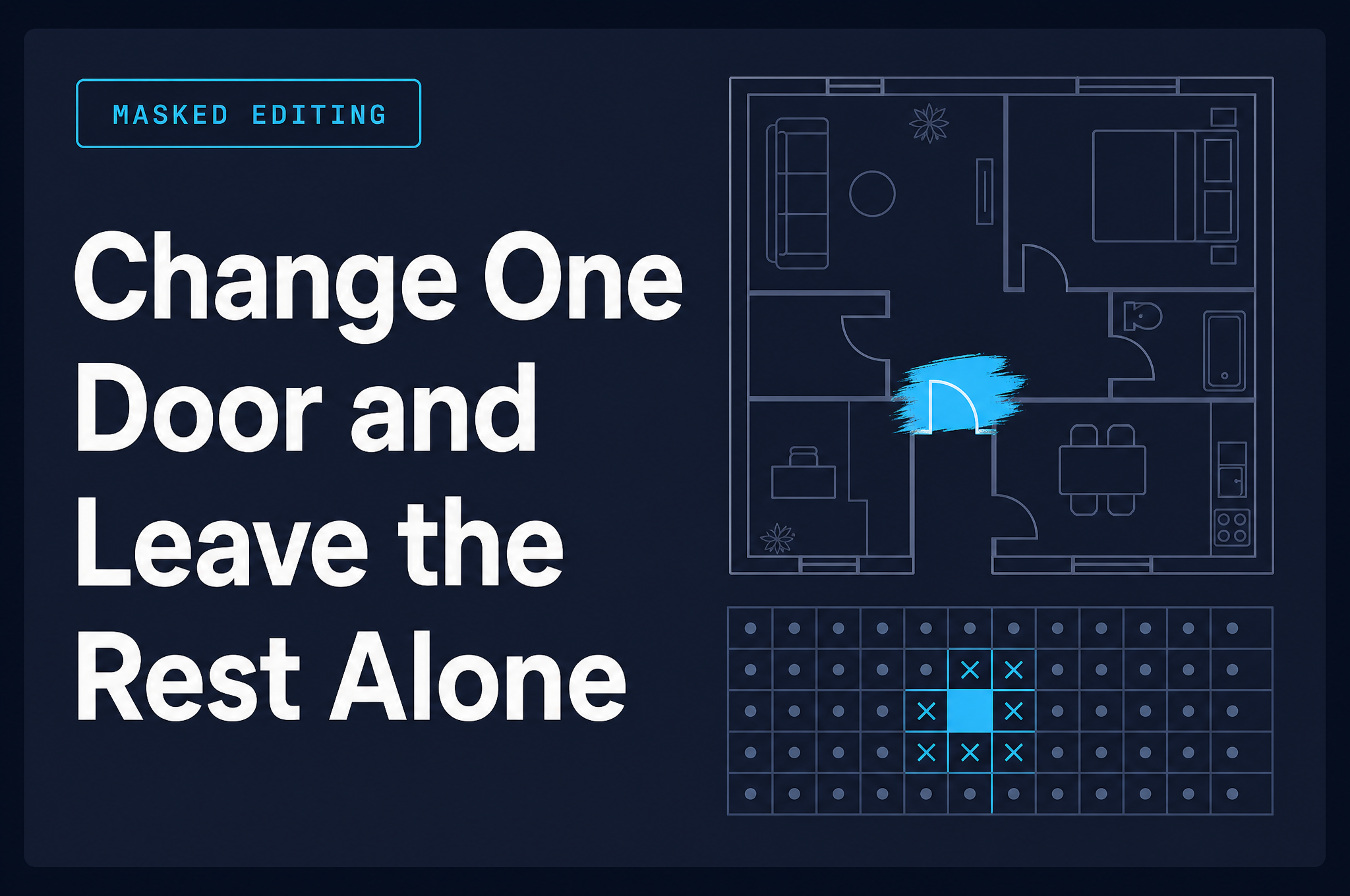
This is not a masked-edit essay. Local pixel identity is not the topic. Path consistency is.
Two jobs that disagree
A floor-plan video has to do two things at once:
- Look intentional — pacing, easing, a readable reveal of rooms.
- Stay metrically plausible — a one-metre corridor should not breathe to 1.4 m mid-pan because the camera accelerated.
Job 1 loves expressive camera moves. Job 2 loves boring ones. Most demo reels optimise for job 1. Viewers forgive style; contractors do not forgive a doorway that grows between second two and second five.
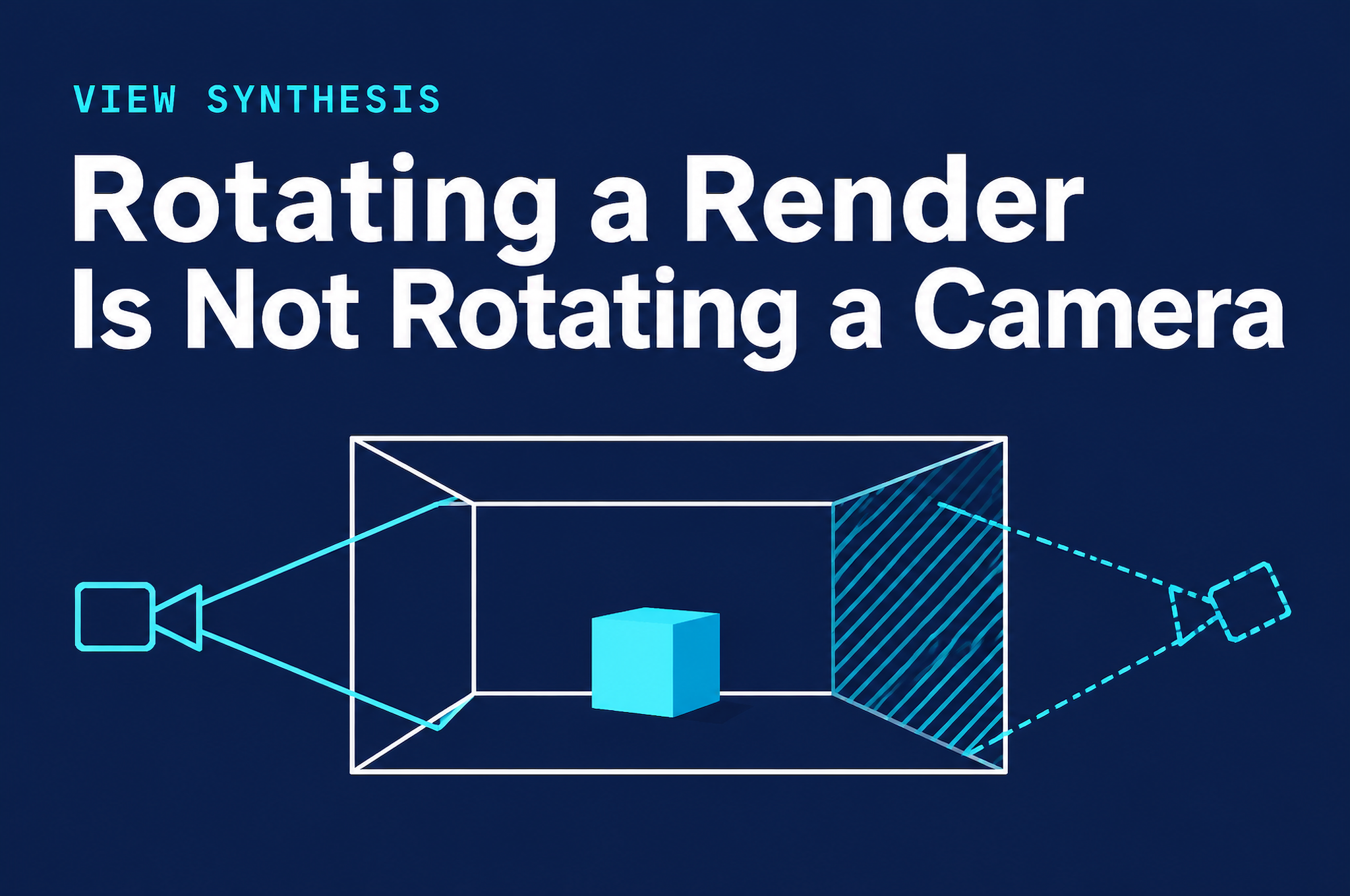
If the input is a true orthographic plan, the "world" is a flat metric sheet. A drone-style fly-through is then a 2.5D camera over that sheet (or a thin extrusion). Transition modes that dissolve between a plan and a perspective render add a second, harder constraint: the moment of morph has to preserve which edges are which, or the viewer loses the map.
What I would instrument (without claiming any vendor does)
If I were reviewing a plan-to-video system as an ML engineer on an adjacent team, I would ask for logs like these — illustrative, not a dump of anyone's production code:
# Illustrative checks only — not production source.
def path_scale_jitter(camera_samples, plan_meters_per_pixel):
    """Rough stability: projected metre-per-pixel should not swing wildly mid-clip."""
    scales = [s.metres_per_pixel for s in camera_samples]
    return max(scales) / min(scales)

def room_area_drift(mesh_t0, mesh_t1, room_id):
    """If a room polygon is tracked across frames, its area should stay near-constant."""
    return abs(area(mesh_t0[room_id]) - area(mesh_t1[room_id])) / area(mesh_t0[room_id])
Two thresholds matter more than the exact formulae:
- Intra-clip scale ratio close to 1.0 for orthographic fly-overs. If the ratio climbs, the camera is zooming in a way the UI did not advertise, or the projection is wobbling.
- Tracked room area drift near zero when the narrative is "same plan, moving viewpoint." Large drift means the geometry is being regenerated expressively instead of re-projected.
I cannot tell you which checks any given product runs. I can tell you that without some version of them, "cinematic" becomes a synonym for "unreliable."
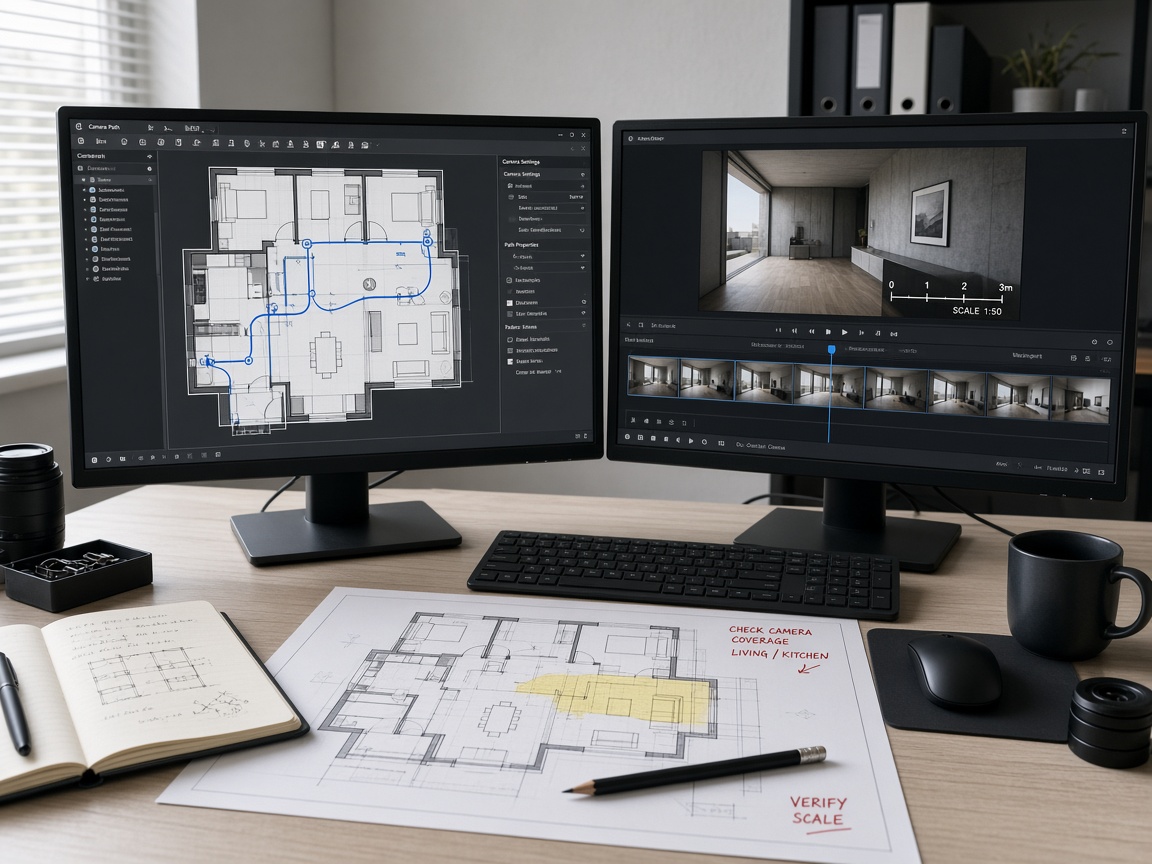
Scale drift is a path problem
People blame the generator when a clip feels "off." Often the generator is fine and the camera path is underspecified. A preset labelled "sweep" still needs:
- a start pose tied to a room or edge,
- an end pose that does not require impossible FOV changes,
- easing that does not imply acceleration through a wall,
- a near-plane that does not clip dimension text into fireworks.
Describe-your-own-path UIs help only if the language maps to constraints. "Slow pass along the hallway" is actionable. "Make it pop" is not. The product page for the tool above lets you pick presets or describe pacing and camera path; that split is the right product instinct, whether or not the underlying solver is perfect.
Transition mode vs fly-through
Pairing a 2D plan with a rendered interior for a transition is a correspondence problem: every visible wall end in the plan should land on a wall end in the render. Failures look like sliding labels, doors that teleport, or a sofa that belongs to a different room mid-morph.
A single-image fly-through avoids cross-domain correspondence but inherits all the sins of the plan image itself — missing walls, wrong proportions, decorative north arrows mistaken for geometry. Garbage plan in, confident garbage video out. Short duration (4–8 s) is merciful here: there is less time for drift to compound, and less time for viewers to audit every jamb.
Aspect ratio is a constraint, not a crop
Exporting 16:9 for a listing page and 9:16 for short social looks like a resize checkbox. It is not. Changing aspect ratio changes which walls stay in frame for the same narrative duration. A hallway sweep that reads clearly in landscape can become a vertical tunnel that never shows the rooms it connects.
If you author once and crop twice, you are asking the viewer to trust a different story in each channel. Prefer re-planning the path for the target frame, or accept that social cuts are teaser-only and keep the metric discussion on the landscape asset.
A note on duration
Four seconds is a billboard. Eight seconds is still a billboard with manners. Neither replaces a walkthrough filmed on site. The value of plan video is compression: orientation before someone invests attention in stills and PDFs. When teams treat the clip as proof of buildability, they have crossed from communication into liability. Keep the clip in the communication bucket.
What I want readers to take away
If you embed plan videos in a listing or a client deck:
- Treat them as attention and orientation, not as a substitute for a dimensioned PDF.
- Prefer paths that keep a visible scale reference (a known sofa length, a labelled corridor) on screen.
- When something feels wrong, scrub frame-by-frame along one wall run before you blame the whole model.
I am not going to pretend our industry has solved metric camera control for every short clip. We have not. Naming the failure mode is the engineering habit I care about — the same habit I bring to spatial models at ArchyBase, applied this time to the moment a floor plan starts to move.
About the author
- AI/ML engineer at ArchyBase, working on spatial reasoning and generative floor plan models. I write about the technical side of generative design — architecture, trade-offs, and what doesn't work yet.
Comments
Join the discussionNo comments yet. Be the first to comment.